Product Category
Biometric Access System Reviews & Buying Guide
Independent reviews of fingerprint, retinal, and smart lock systems for vault doors and secure rooms.
Independent reviews of fingerprint, retinal, and smart lock systems for vault doors and secure rooms.
$350 – $500
Fingerprint + PIN + card, commercial-grade, excellent reliability. A proven performer used in commercial buildings worldwide.
Read full review$200 – $280
6-in-1 access, app control, affordable. Great for vault room secondary doors and everyday secure entries.
Read full review$800 – $1,200
GSA-approved, used on government safes, hardened against EMP and manipulation. The standard for high-security vault access.
Read full reviewBuying Guide
Fingerprint is fastest; PIN is most reliable; dual-factor (bio + PIN) is most secure; card/fob is convenient for families. The best systems offer multiple methods so you're never locked out.
How often the system rejects an authorized user. Under 1% is good. Under 0.1% is excellent. A high FRR means frustration every time you try to open your own vault.
How often the system accepts an unauthorized user. Under 0.001% is the standard. This is the security-critical metric — a high FAR means your biometric lock is essentially decorative.
Look for anti-drill plates, anti-pick mechanisms, and EMP resistance (especially for vault doors). A biometric lock is only as secure as its physical housing.
Battery life, low-battery alerts, mechanical key override. A dead battery shouldn't lock you out of your own vault. Look for systems with 6+ months of battery life and clear warning indicators.
Compatibility with existing vault doors, deadbolts, and smart home systems (Z-Wave, Zigbee, WiFi). The best lock in the world is useless if it doesn't fit your door or work with your setup.
In-Depth Reviews
$350 – $500
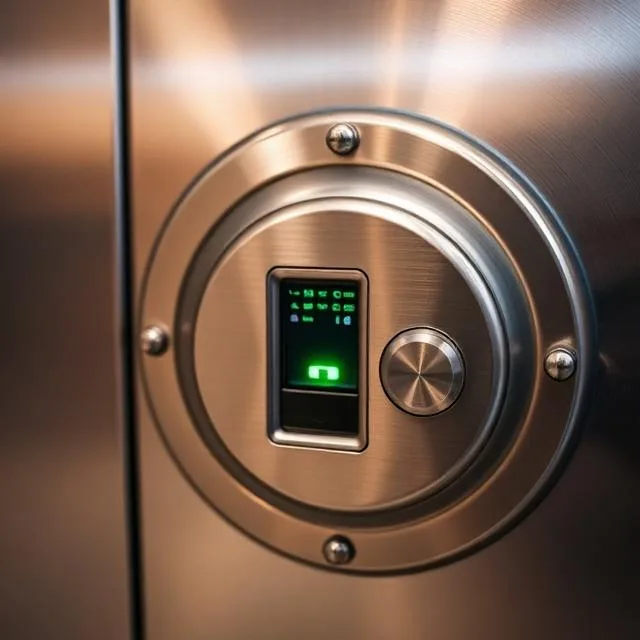
Commercial-grade push-pull mortise lock with fingerprint, PIN, and RFID card authentication. Samsung's SHP-DP728 is used in commercial buildings worldwide and brings that institutional reliability to residential vault applications. The robust construction and low false acceptance rate make it our top overall pick for biometric access on secure rooms and vault entries.
Build
8.8
Protection
8.4
Value
8.6
Features
8.8
Warranty
8.0
$200 – $280
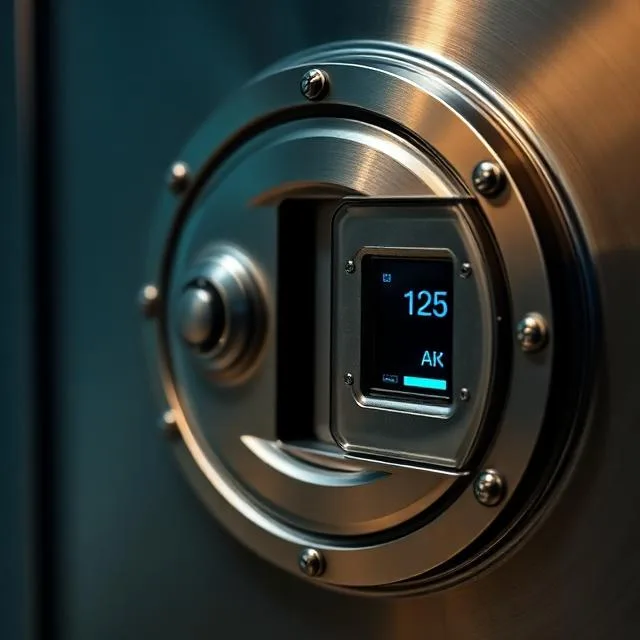
The Ultraloq U-Bolt Pro WiFi offers 6-in-1 access: fingerprint, PIN code, auto-unlock, app control, physical key, and shake to open. WiFi-enabled for remote management and status monitoring. This is the best option for secondary doors and vault room entries where you want smart home integration without breaking the bank. BHMA Grade 1 certified for residential security.
Build
7.8
Protection
7.6
Value
9.4
Features
9.0
Warranty
7.8
$800 – $1,200
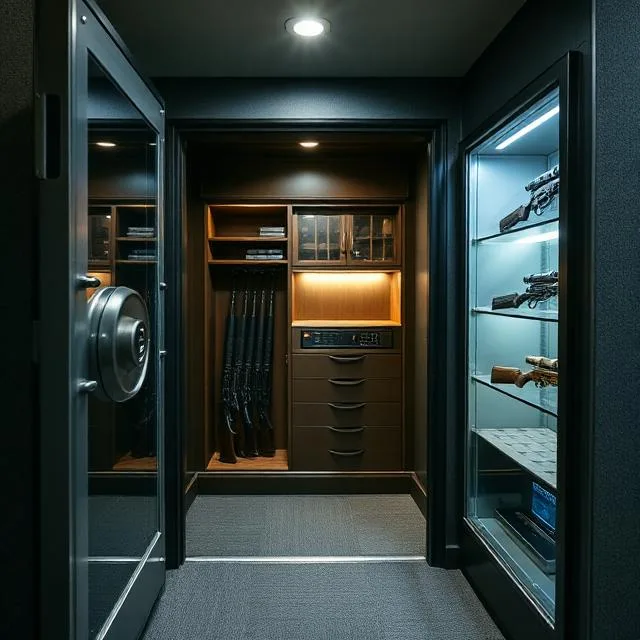
The Kaba Mas X-10 is a GSA-approved high-security lock used on government safes and military installations worldwide. EMP-hardened and manipulation-resistant, this is a pure security device with no WiFi, no app, and no attack surface beyond the physical lock itself. Battery-powered with long service intervals. If your vault contains anything worth serious protection, this is the lock the government trusts.
Build
9.4
Protection
9.6
Value
7.4
Features
7.8
Warranty
9.2
| Brand / Model | Summit Score | Price Range | Auth Methods | Certification | EMP Hardened | Power |
|---|---|---|---|---|---|---|
| Kaba Mas X-10 Our Pick | 8.8 | $800–$1,200 | PIN + biometric | GSA-approved | Yes | Battery |
| Samsung SHP-DP728 | 8.6 | $350–$500 | Finger + PIN + card | Commercial-grade | No | Battery |
| Lockly Secure Pro | 8.3 | $250–$350 | Finger + PIN + app | UL listed | No | Battery |
| Ultraloq U-Bolt Pro | 8.2 | $200–$280 | 6-in-1 | BHMA Grade 1 | No | Battery |
| Generic Vault Keypad | 6.5 | $100–$200 | PIN only | None | No | Battery |
Modern biometric locks have come a long way. Top-tier models like the Kaba Mas X-10 are trusted by the US military and GSA for classified storage. Consumer models like the Samsung SHP-DP728 have false acceptance rates below 0.001%. For maximum reliability, choose a system with dual-factor authentication (biometric + PIN) and always ensure there's a mechanical backup in case of battery failure.
Lower-end fingerprint scanners can be fooled with lifted prints or molds, but commercial and military-grade sensors use capacitive or multispectral imaging that detects live tissue. WiFi-enabled locks introduce a network attack surface — if this concerns you, choose a lock with no wireless connectivity like the Kaba Mas X-10. For most residential applications, a quality biometric lock is far more secure than a standard key lock.
Every quality biometric lock includes low-battery warnings well before the batteries die — typically at 20% remaining capacity. Most consumer models (Samsung, Ultraloq) include a mechanical key override. Some also have an emergency 9V battery terminal on the exterior that provides enough power for one unlock. The Kaba Mas X-10 has an exceptionally long battery life and clear low-power indicators. Always keep spare batteries accessible.
Ideally, both. Fingerprint access is faster and can't be observed or guessed, but it can fail with wet, dirty, or injured hands. PIN access is universally reliable but can be shoulder-surfed or guessed. Dual-factor authentication — requiring both a fingerprint and a PIN — is the most secure option and what we recommend for primary vault doors. For secondary doors and lower-security entries, either method alone is sufficient.
Summit Safe Rooms earns a commission when you purchase through our links. This doesn't affect our ratings or editorial independence. All prices are approximate and may vary by dealer and configuration. Last updated March 2026.